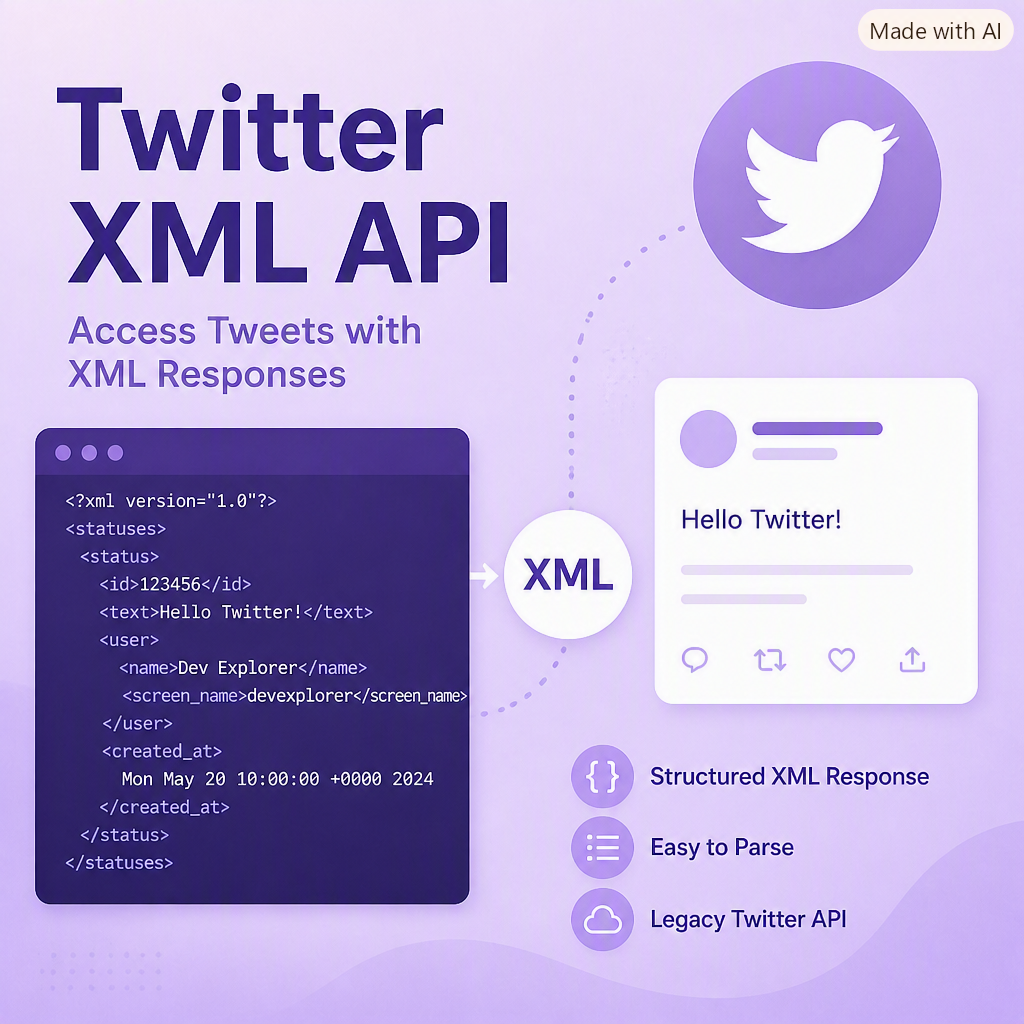
Before Twitter retired its XML timeline endpoints, applications could pull tweets directly using a simple URL and parse the results. The LoadTweets() function below demonstrates how legacy ASP.NET applications retrieved tweets, converted URLs into clickable links, and displayed them on a page.
The old Twitter endpoint returned XML:
http://twitter.com/statuses/user_timeline/publictimeline.xml?count=
By replacing publictimeline with a valid Twitter username and specifying a count, the API returned a list of tweets.
Tweet Class
public class Tweet
{
    public Tweet() { }

    public string Text;
    public DateTime Date;
}
Legacy LoadTweets() Function
The function below loads tweets, parses the XML, converts URLs inside tweet text into clickable links, and adds them to a panel.
private void LoadTweets()
{
    XmlDocument twitter = new XmlDocument();
    XmlNodeList tweets;
    const int count = 3;
    Tweet[] t = new Tweet[count];

    twitter.Load("http://twitter.com/statuses/user_timeline/publictimeline.xml?count=" + count);
    tweets = twitter.GetElementsByTagName("status");
    int i = 0;

    foreach (XmlNode tweet in tweets)
    {
        t[i] = new Tweet();

        // Parse date
        string[] values = tweet["created_at"].InnerText.Split(' ');
        string timeString = values[0] + ", " + values[2] + " " + values[1] + " " + values[5] + " " + values[3] + " GMT";
        t[i].Date = DateTime.Parse(timeString);

        // Convert URLs into clickable links
        string result = tweet["text"].InnerText;
        int iBeginHTML = result.IndexOf("http://");
        int iEndHTML = 0;
        string html = "";
        string html_new = "";

        try
        {
            if (iBeginHTML > 0)
            {
                do
                {
                    iEndHTML = result.IndexOf(" ", iBeginHTML);

                    if (iEndHTML == -1 || iEndHTML > result.Length)
                        html = result.Substring(iBeginHTML);
                    else
                        html = result.Substring(iBeginHTML, iEndHTML - iBeginHTML);

                    html_new = "<a href=\\"" + html + "\\" target=\\"_blank\\">" + html + "</a>";
                    result = result.Replace(html, html_new);

                    if (iEndHTML == -1)
                        iBeginHTML = 0;
                    else
                        iBeginHTML = result.IndexOf("http://", result.IndexOf(html_new) + html_new.Length + 1);

                    iEndHTML = 0;

                } while (iBeginHTML > 0);
            }
        }
        catch
        {
            result = tweet["text"].InnerText;
        }

        t[i].Text = result + "</hr>";

        pnlFeed.Controls.Add(new LiteralControl(t[i].Text));
        i++;
    }
}
Notes
- This code uses Twitter’s deprecated XML API, which no longer exists.
- Modern Twitter API access requires OAuth and JSON parsing.
- The URL‑replacement logic demonstrates how older ASP.NET apps manually converted plain text URLs into HTML links.
This example remains useful for understanding legacy XML parsing, URL replacement logic, and early ASP.NET WebForms techniques.
Comments (0)
Please sign in to comment.