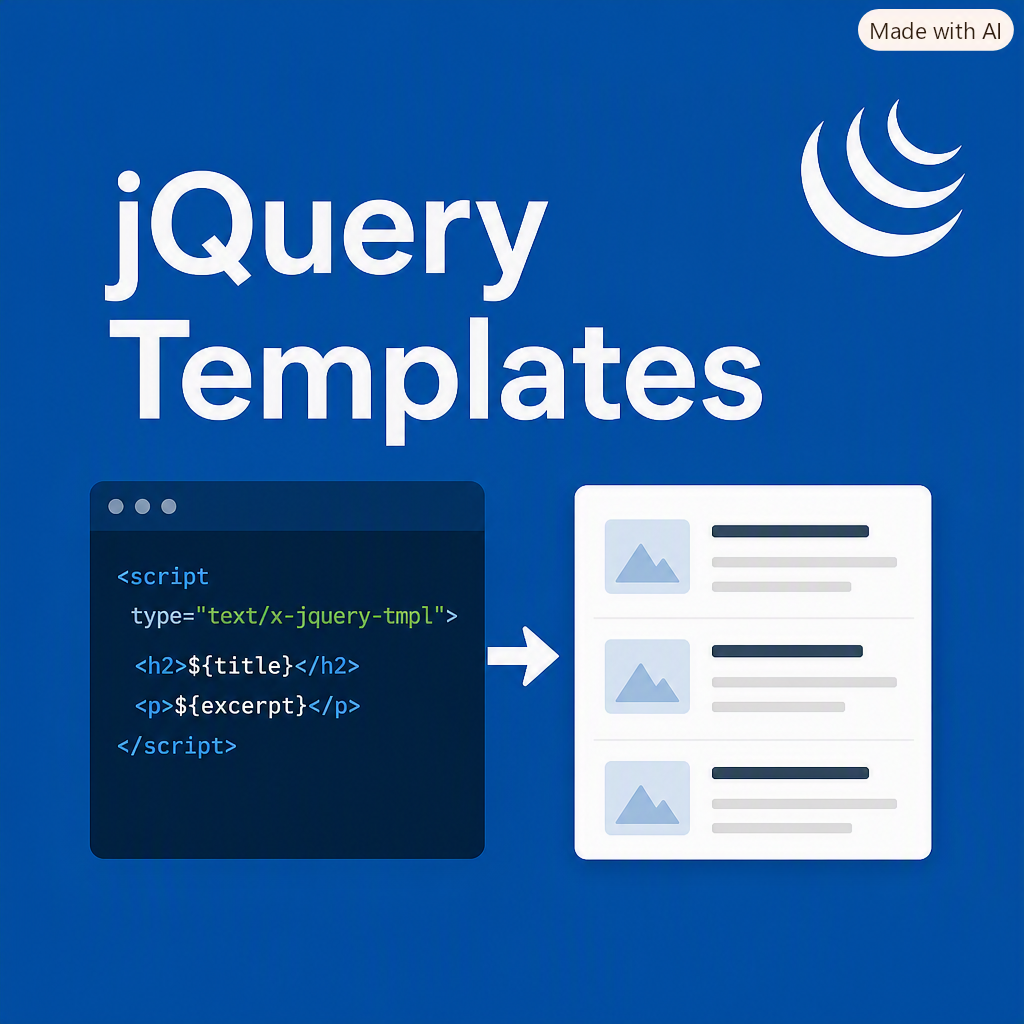
Before modern client-side frameworks became the norm, jQuery Templates offered a simple way to render dynamic HTML using JSON data returned from the server. Although the plugin is now deprecated, many legacy applications still rely on it for lightweight templating.
To use jQuery Templates, include the jQuery.tmpl.min.js script on your layout page or directly on the page where the template will be used.
Search Script
The following JavaScript handles the blog search form, performs an AJAX request, and renders results using a jQuery template:
$(document).ready(function () {
// Blog Search
$("#blogSearch").submit(function (event) {
event.preventDefault();
var form = $(this);
$.ajax({
url: form.attr("action"),
data: form.serialize(),
beforeSend: function () {
$("#ajax-loader").show();
},
complete: function () {
$("#ajax-loader").hide();
},
error: searchFailed,
success: function (data) {
$("ul#blog-list").empty();
$("#blogTemplate").tmpl(data).appendTo("#blog-list");
}
});
});
});
// Display a message when no results are found
function searchFailed() {
$("#searchresults").html("No results.
");
}
jQuery Template Markup
Place the template directly on the page. It defines how each blog result should be rendered inside the list:
This setup allows your search form to return JSON data and instantly render matching blog posts without a full page reload. While modern frameworks offer more robust templating solutions, jQuery Templates still provide a quick and effective option for legacy applications.
Comments (0)
Please sign in to comment.