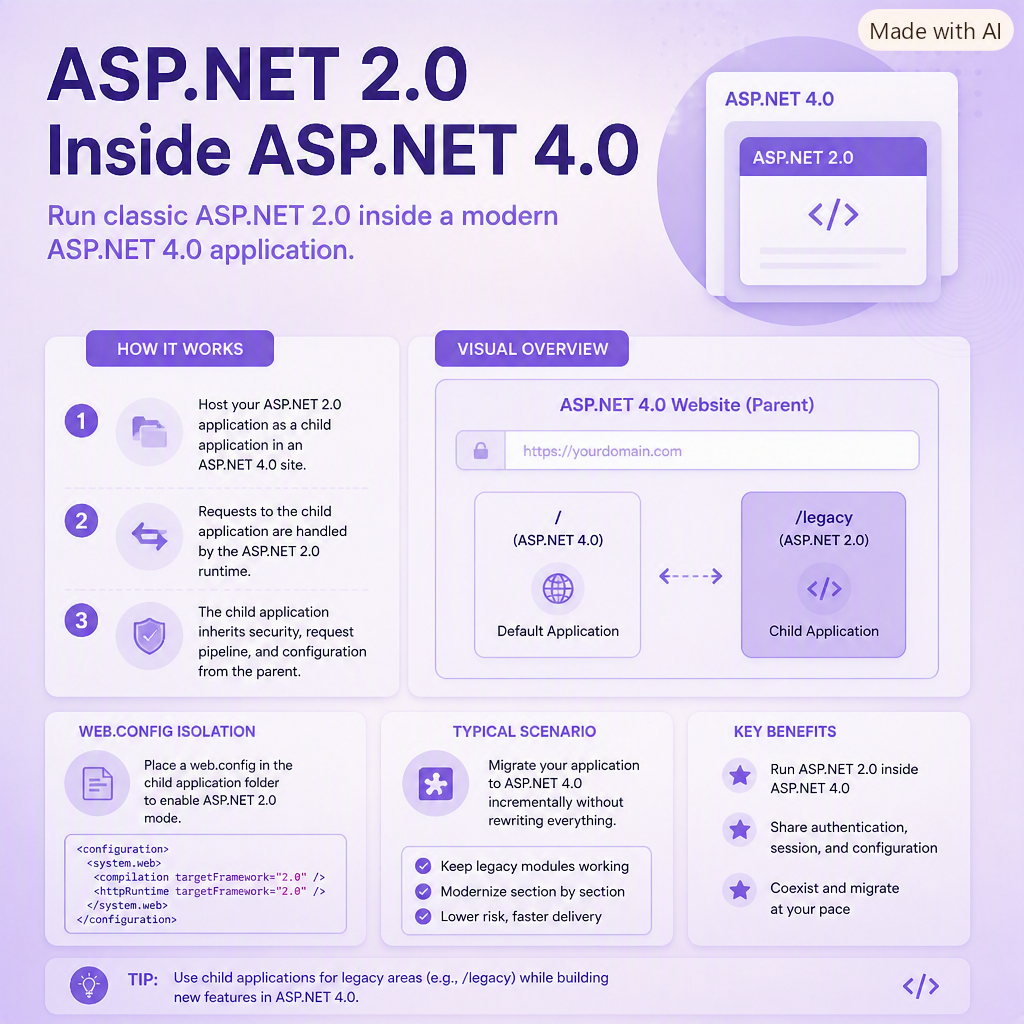
If you have an ASP.NET 4.0 website and need to host a separate ASP.NET 2.0 application inside its folder structure, you may run into configuration conflicts. ASP.NET applications inherit settings from parent web.config files unless explicitly told not to. This can cause runtime errors, version conflicts, or unexpected behavior.
The solution is to isolate the older ASP.NET 2.0 application by preventing it from inheriting the parent application's configuration settings.
Solution: Use a <location> Element
By wrapping the configuration section in a <location> tag and disabling inheritance, you ensure the child application uses its own settings without interference from the ASP.NET 4.0 parent site.
<location allowOverride="true" path="." inheritInChildApplications="false">
    <system.web>
        <!-- ASP.NET 2.0 configuration goes here -->
    </system.web>
</location>
How It Works
- path="." targets the current folder (the ASP.NET 2.0 application).
- inheritInChildApplications="false" prevents the child app from inheriting parent configuration settings.
- allowOverride="true" allows the child application to define its own configuration values.
This structure ensures your ASP.NET 2.0 application runs independently inside an ASP.NET 4.0 site without configuration conflicts.
This approach is especially useful when migrating legacy applications or hosting multiple versions of ASP.NET within the same IIS site.
Comments (0)
Please sign in to comment.